
iOS-first sketch training tool
Sketch Flow
AI sketch correction for learning step by step.
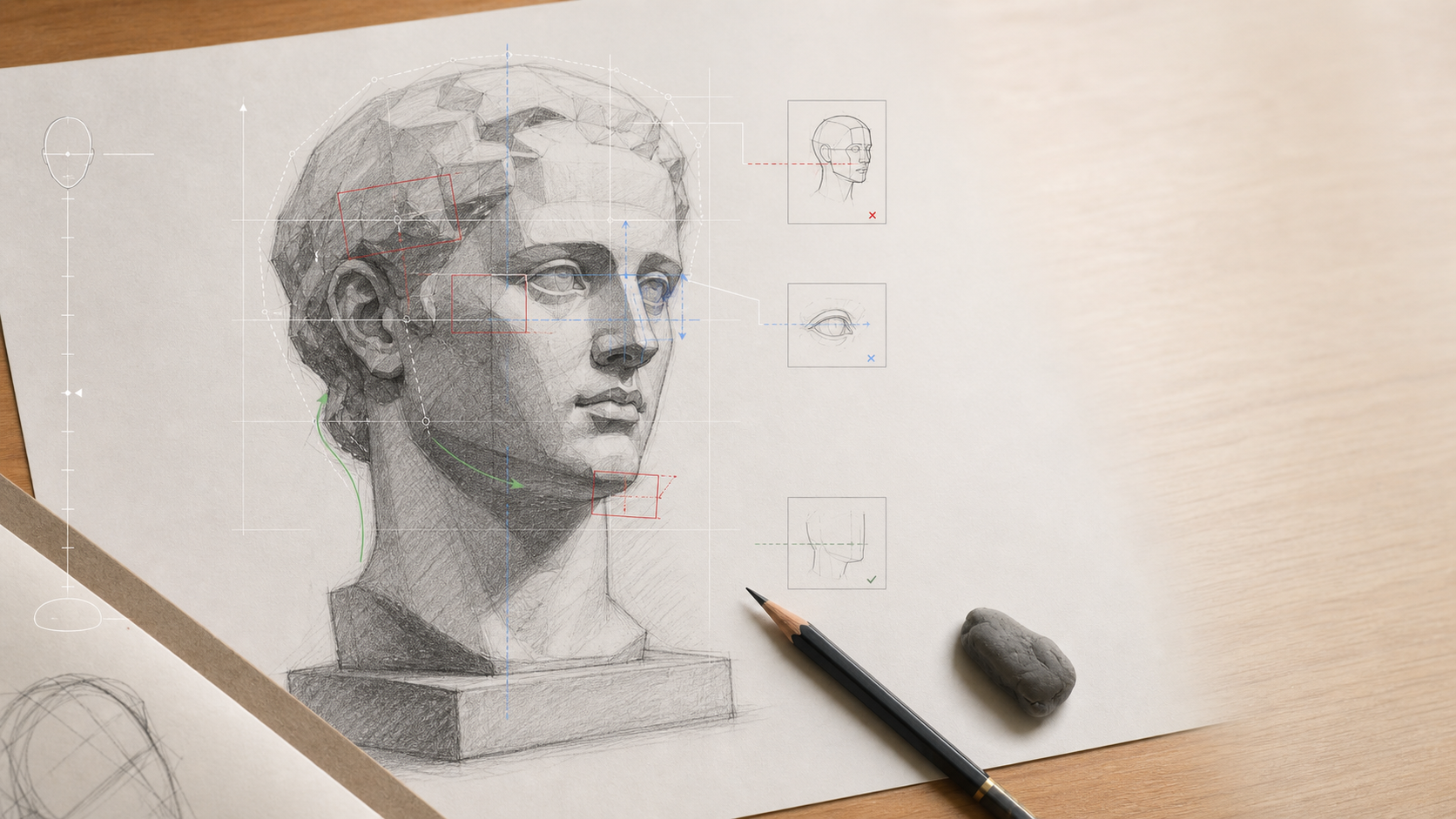
Upload or capture a drawing, identify the current sketch stage, see visual issues, follow correction steps, and review annotation layers without turning the app into an automatic drawing finisher.
A private workspace for sketch correction, not a one-click image app.
Sketch Flow is built for students practicing plaster heads, portraits, geometric forms, and still life, and for teachers who need faster critique and annotation.
The app keeps every sketch inside a project-first workflow: source media, AI jobs, analysis artifacts, annotation layers, credits, and training history stay connected.
From current sketch to the next correction.
Sketch Flow focuses on the learning loop: diagnose the stage, correct the largest issue first, revise outside the app, and return with the next capture.
-
01
Create a Sketch Project
Keep one exercise, student work, or critique task organized.
-
02
Upload or capture the sketch
Use the photo library or camera; media stays routed through the project Media Center.
-
03
Run sketch analysis
The AI job detects the current stage, scores the work, and returns structured issues and correction steps.
-
04
Toggle annotation layers
Grid, axis, contour, value, line direction, and focus overlays help explain where to adjust.
-
05
Revise and compare later
Later slices add revised sketch upload, before/after comparison, and saved training records.
Project-first, calm, and built for repeated practice.
The iOS app keeps the same proven workspace structure while the domain language shifts to sketch projects, sketch boards, analysis, issues, correction steps, and annotation layers.
The app reads the sketch process as stages.
Each analysis identifies the current stage, the score pattern, the most important issues, and the next correction steps.
A teaching assistant with traceability, consent, and clear limits.
Sketch Flow helps users understand what to correct next. It is not a teacher marketplace, online course platform, exam cheating tool, or service that finishes drawings for the user.
V1 private user content is not used for public galleries, public marketing, case studies, or app-owned model training without separate consent.
Analysis, annotations, comparisons, previews, and reports do not provide legal advice, rights clearance, or commercial-use guarantees.
Terms, Privacy, copyright policy, acceptable use, upload rights, AI responsibility, and download rights are recorded.
Grants, debits, refunds, purchases, adjustments, and trial credits are recorded server-side.
Content IDs, review status, takedown records, and repeat-infringer handling remain part of the product architecture.
Credits stay visible. Pricing stays server-side.
The frontend shows the server-returned cost, balance, and entitlements. Failed AI jobs and failed downloads should not consume credits according to ledger records.
New users receive trial credits only after Apple or Google registration and required consent.
Sketch analysis and future comparison/report actions are charged only through CreditLedger.
Export and download actions keep the existing technical-service fee model without granting legal rights.
iOS V1 is being prepared with account, legal, and billing gates intact.
App Store metadata, StoreKit products, public legal URLs, operator details, and DMCA contact information remain release checklist items. This site is prepared for the public Sketch Flow identity.